Common use case

Deliver secure messages in your portal or your own app

iService® delivers secure customer messages through its built-in portal or through your own interface built on the iService API. Customers sign in to read account-specific correspondence, and agents work from the same interaction record.

A secure notification bringing a customer through sign-in to a message and shared service history

Account detail stays behind a sign-in

Account details sent by ordinary email leave your control on delivery.

iService keeps account-specific correspondence behind a sign-in. Your team sends the customer a secure notification, and the customer signs in to read the answer. Sensitive details do not go in plain email.
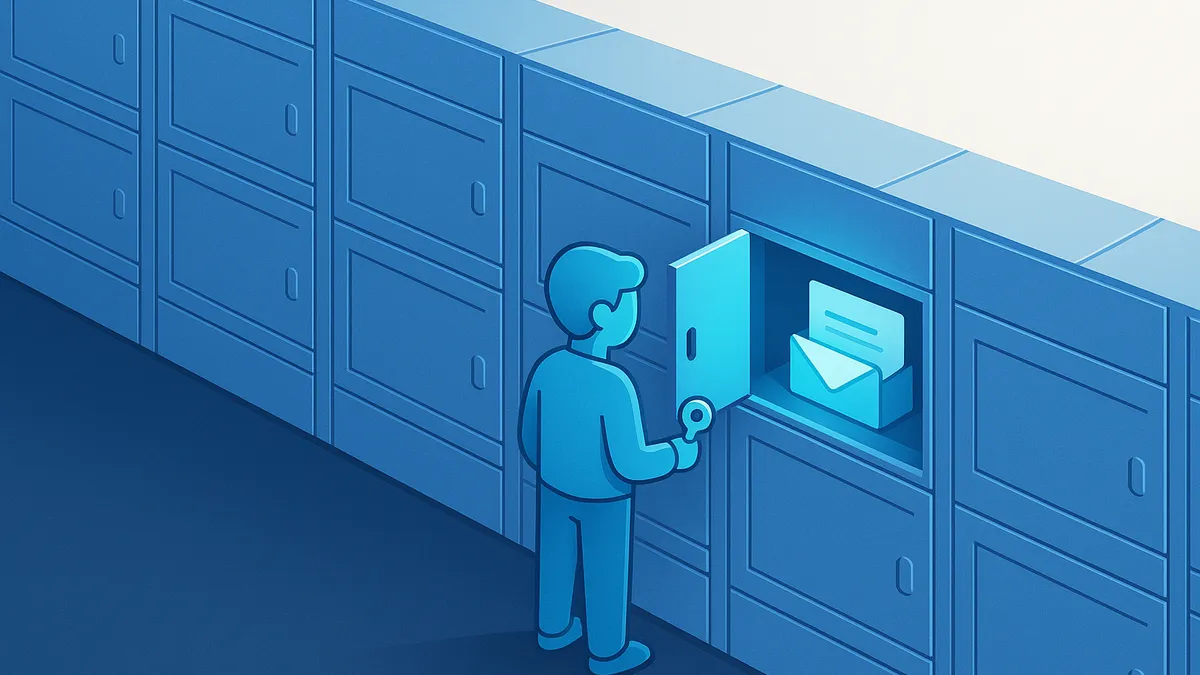
A long row of identical closed compartments with one open and lit in front of a single person holding a key

Customer sites that require a sign-in

iService shows your customers account-specific correspondence after they sign in.

Customers read it in the built-in iService portal or in the signed-in site you already run. Secure Messaging Integration fits teams whose customers must sign in before they read account details.

A signed-in account view for each customer

iService shows each signed-in customer their account summaries, secure messages, and history, and Segment Management controls which records they see.

A customer checks an account summary, rereads an earlier secure message, or reviews past requests from one sign-in. They also update the profile details you permit and manage their own mailing-list and campaign subscriptions. For each new answer, the customer receives a secure notification email that brings them back to this view.

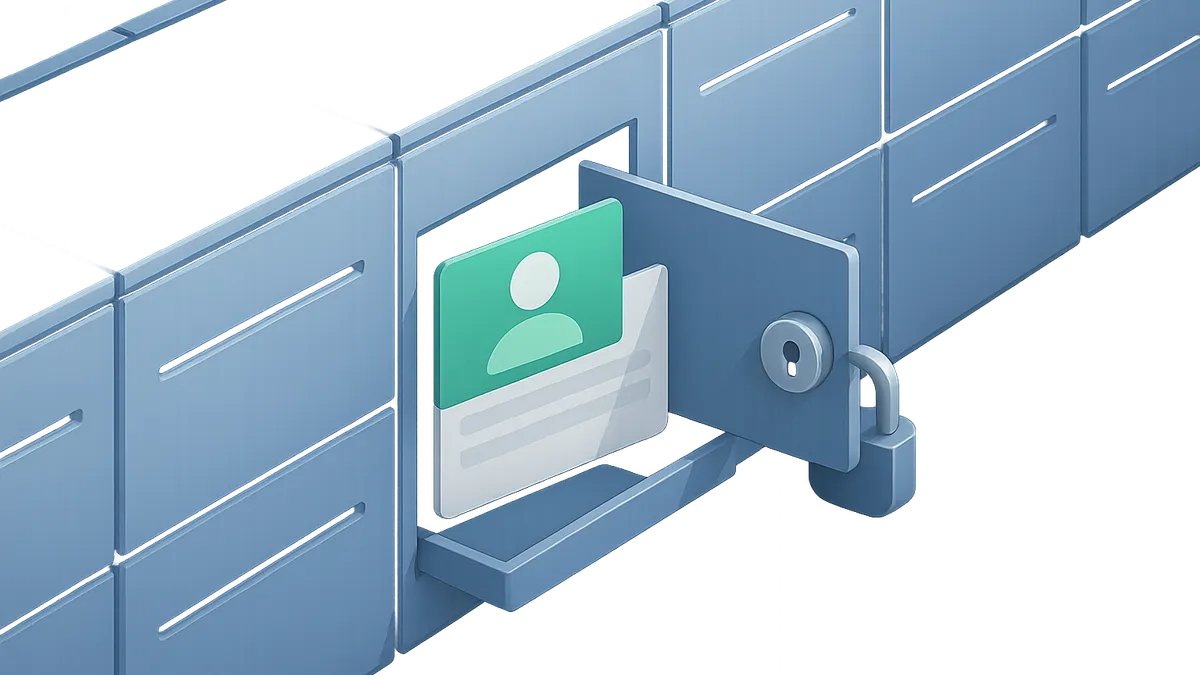
A signed-in customer opening only their own secure correspondence compartment

An account question answered behind a sign-in

A customer wants to know why a charge appeared on their account.

They sign in to your portal and submit the question on a question form. The form uses the topic, required fields, and access rules you set up, so the request reaches your team with the details an agent needs to answer it. When the agent replies, iService emails the customer a secure notification that asks them to sign in. The customer signs in and reads the answer alongside their earlier requests.

One secure interaction record publishing to a customer portal and a custom application interface

Built-in portal or your own interface

iService publishes a built-in Tabs or Treeview portal, or serves your own interface through its API.

In the built-in portal, you configure the headers, footers, theme, components, and content for each team. When your customer site already has its own sign-in, your developers build the secure messaging view on the API instead. Both options read the same secure customer records.

A branded customer portal with secure messages, a request form, and connected history
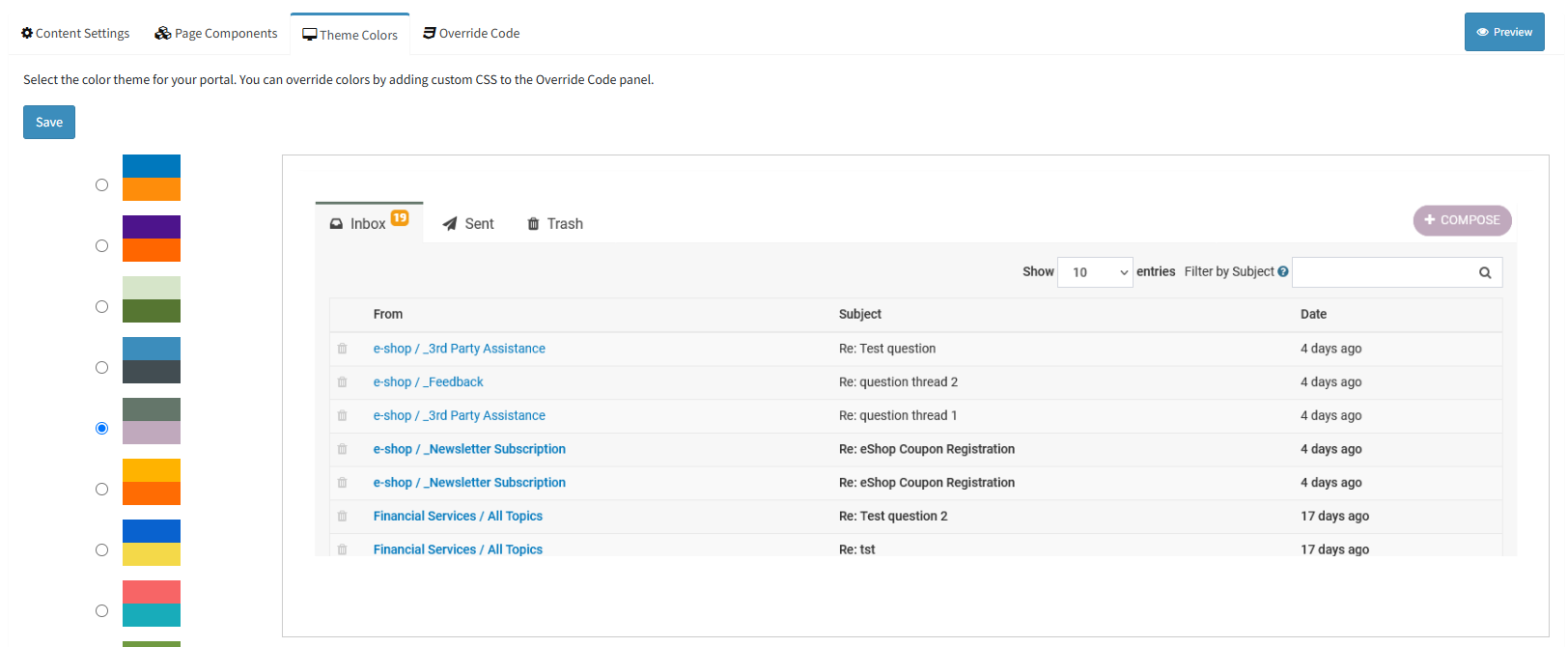
The iService secure message portal where a customer reads and sends messages

One record for the customer and the agent

Your customer and your agent see the same record. Each secure message appears with its full case history, whether your customer reads it in the built-in portal or in an interface you build on the iService API.

See secure messaging in iService

Request a demo to see a secure notification bring a customer back to a signed-in answer, in the built-in portal and through the API.

Request a Demo

Chat with support