
Integrations

Configure service email in iService®

Set incoming and outgoing mail servers for each service mailbox. iService retrieves customer messages and sends service email through the servers you select.

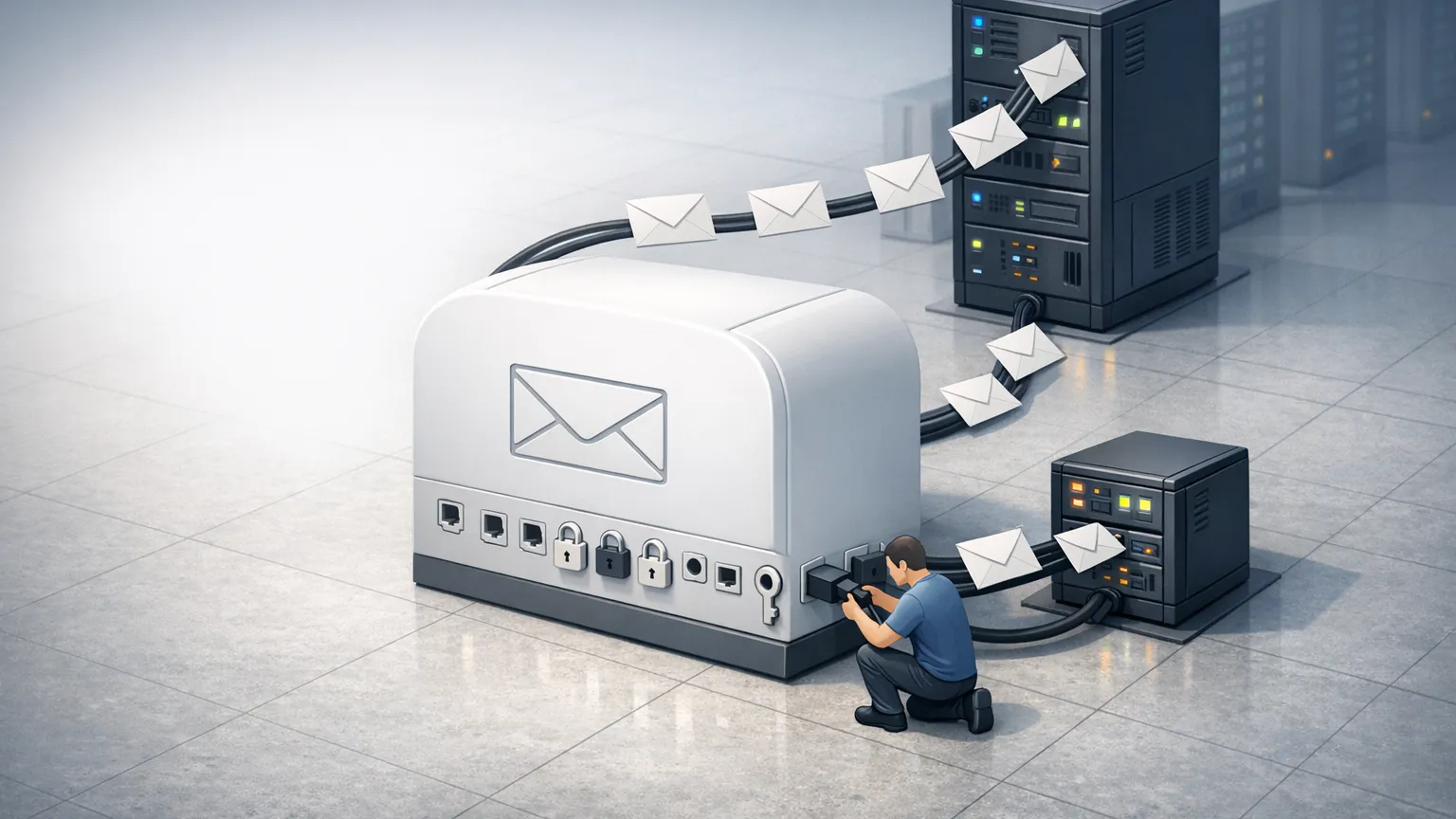
A service mailbox with separate cables plugged into an incoming mail server and an outgoing mail server, beside a panel of connector types that includes secure and key-based connectors.

Receive email through supported mailbox protocols

For incoming mail, iService supports POP and IMAP, including secure options, plus EWS Basic Authentication, EWS OAuth, and Microsoft Graph API. It checks enabled mailboxes every 60 seconds and converts retrieved messages into questions.

Send mail through supported server methods

For outgoing mail, choose SMTP, SMTP Authentication, EWS Basic Authentication, EWS OAuth, or Microsoft Graph API. SMTP Authentication uses a server, port, username, and password; enable encryption when the mail server requires and supports it.

Configure incoming and outgoing servers separately

Use separate mail servers when a mailbox receives and sends email through different systems. Set each server’s connection details, then request a walkthrough of the mailbox options.

Request a demo

Chat with support