Communication channel

Send customer updates by SMS from iService

iService Email to SMS lets agents send appointment reminders and status updates from the customer conversation. Customer replies return to the agent who sent the message, and iService stores the SMS with the email conversation in interaction history.

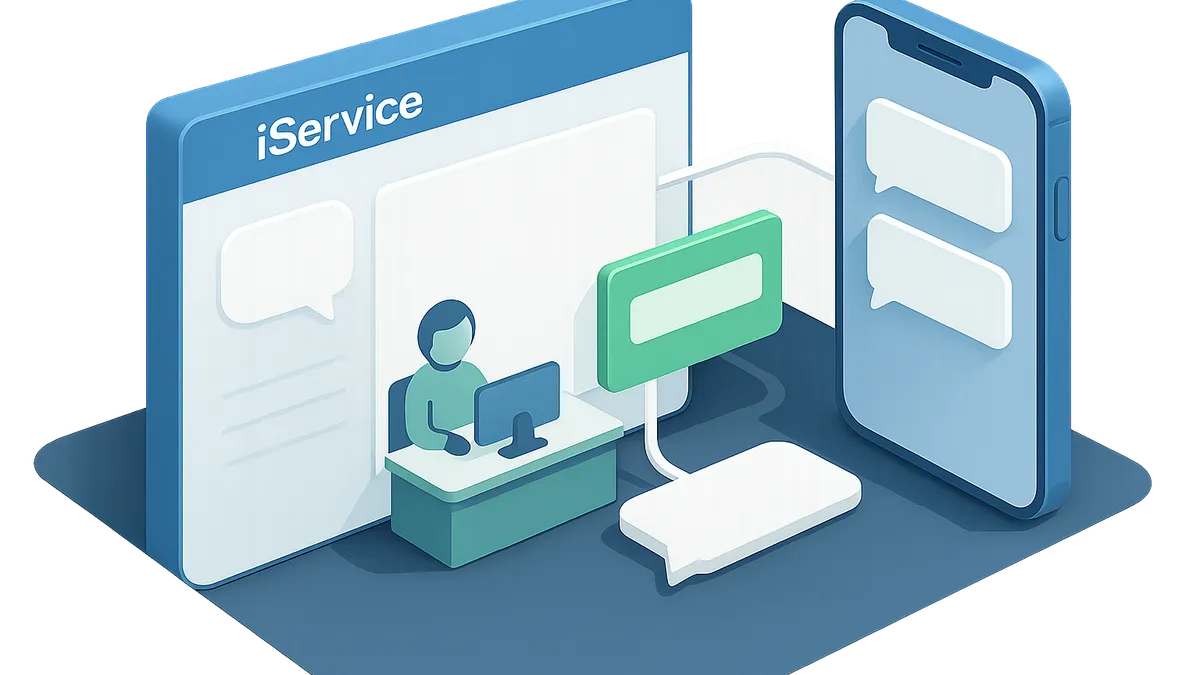
An agent sends an SMS from an iService conversation and receives the customer reply in that same conversation

Reach customers with time-sensitive updates

Appointment reminders and status updates may need attention sooner than customers open email.

Unlike email that may sit unread, SMS puts important notices where customers are more likely to see them quickly, helping service teams get faster responses when timing matters. iService lets agents send those updates by SMS directly from the customer conversation.
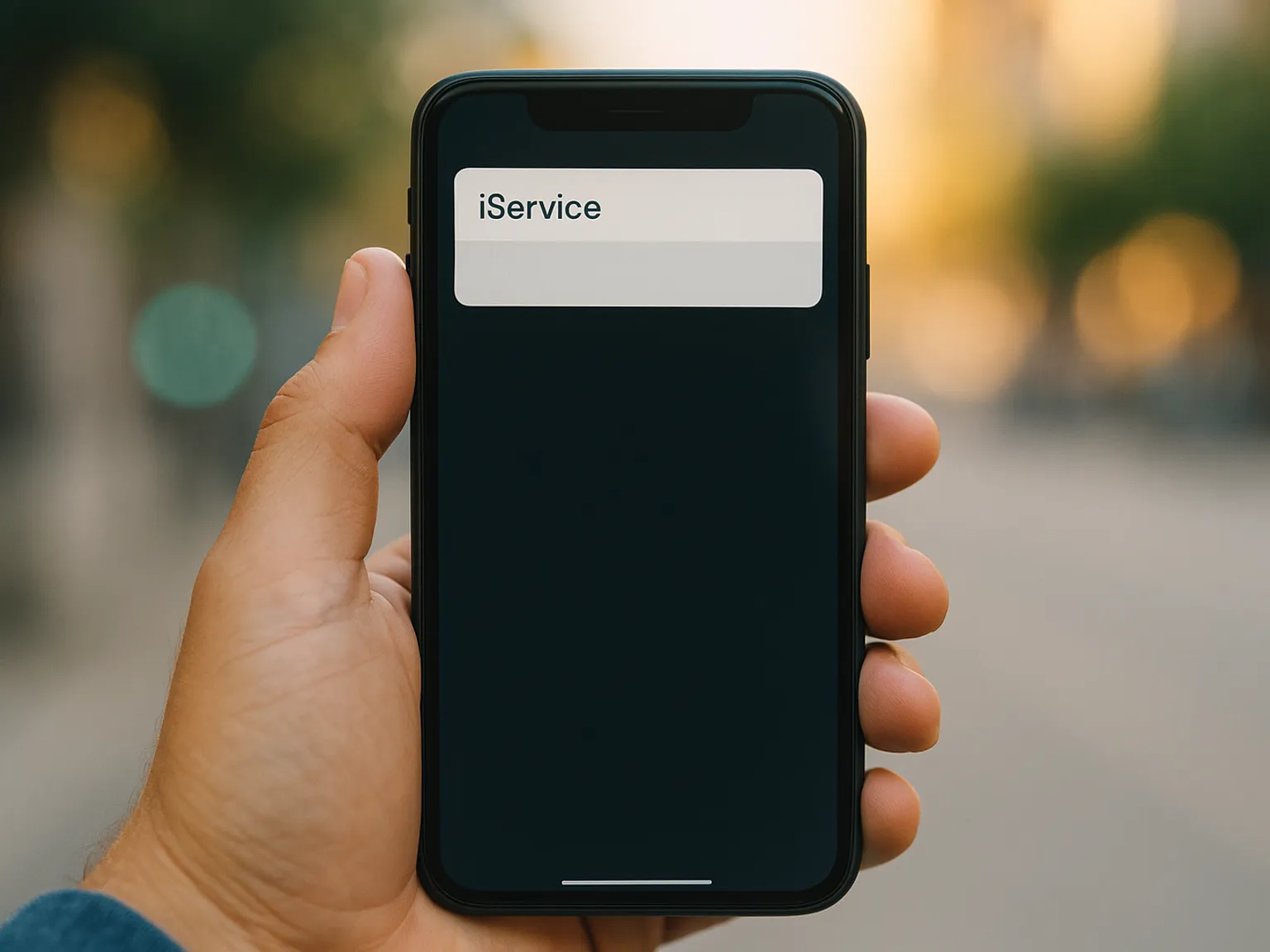
A text message from iService pops up on a phone in the customer's hand

Email and SMS share one interaction history

iService keeps SMS and email in one interaction history, so you can review the full customer conversation without opening a separate SMS product.

An agent sends the text from the iService conversation. When the customer replies, iService routes the reply to the original sending agent. The outgoing text and the reply appear in interaction history beside the customer's email.

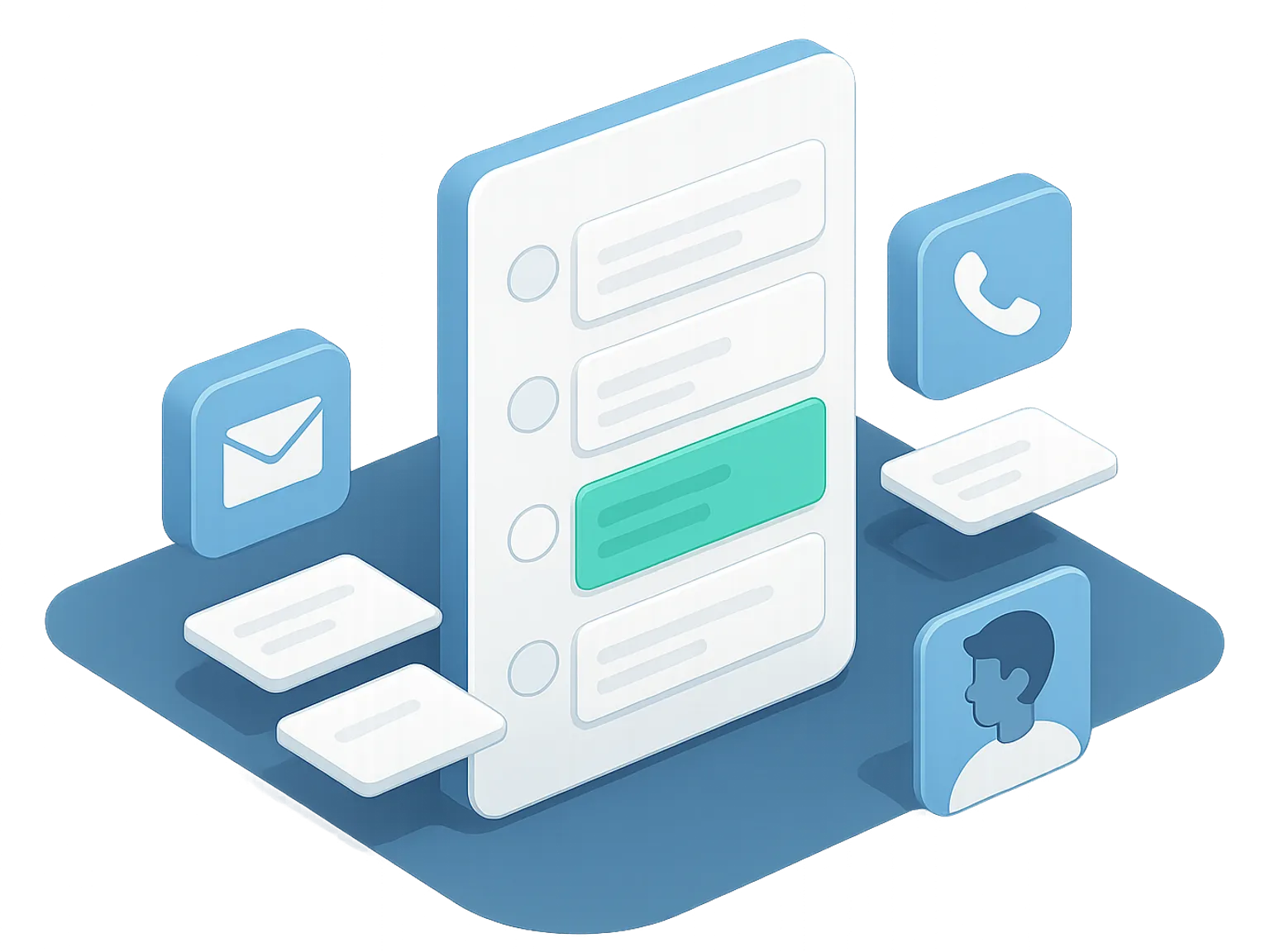
Email and SMS messages collected in one iService interaction history

From SMS opt-in to customer reply

SMS is an effective way to communicate with customers, but you need formal approval before you message them.

You can document approval and configure the user mobile number automatically with the iService SMS Opt-In action on your customer submit forms. The form records consent in contact history and creates an E2S login from the customer mobile number.

iService features on this page

  • Published SMS phone numberPublish a phone number that customers can text to start a customer interaction.
  • Incoming SMS converted to emailConvert incoming SMS messages to email in iService so agents can work them in the same interface.
  • SMS routing and preprocessingApply iService routing and preprocessing rules to the email created from an incoming SMS message.
  • Email-to-SMS answersAgents answer from the iService interface and customers receive the answer on their phone as an SMS message.
  • Send chat links via email or SMSSend a customer a link to begin chatting via email, SMS or any other method.

See Email to SMS in iService

Request a demo to see SMS Opt-In create an E2S login, an agent send a customer update, and the reply return to the same conversation.

Request a Demo

Chat with support