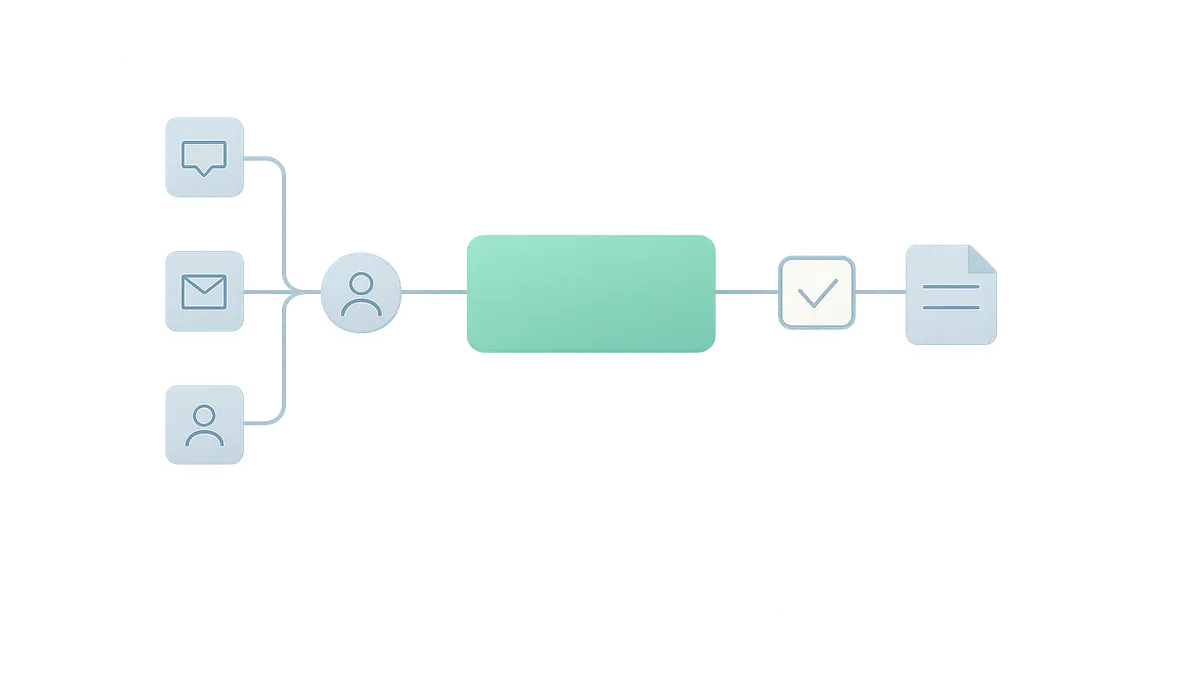
Communication Channels
iService keeps every customer conversation connected to its context and owner, so your team delivers consistent service across every channel.
 Request a Demo

Solutions
iService® gives your team the tools to respond faster and deliver consistent service across every customer channel.
iService keeps every customer conversation connected to its context and owner, so your team delivers consistent service across every channel.
iService routes each request through the processes, approvals, controls, and handoffs your operation requires, so your team completes work the right way.
Every iService solution, grouped by how customers reach you and by the work your team runs.
14 integrations
No integrations match your search.
For email requests your team needs to route and answer.
Route support email by topic, service level, and agent skill, and give every message a named owner.
For requests customers submit through a web form.
Capture the details you need at intake, then turn each submission into a tracked request.
For service work that starts with email and reaches a phone.
Send status updates as text messages and keep the replies on the same interaction record.
For chat work handled by your service team.
Answer live chat with agents, chatbots, or both, and hand the conversation over with its history.
For updates your team sends to customers.
Build recipient lists from contact properties, then send mailings, campaigns, and service notices.
For common questions customers can answer themselves.
Publish answers customers find on their own, and reuse the same articles in agent replies.
For teams improving day-to-day service work.
Run queues, assignments, and service levels across your whole support operation.
For teams handling requests from business customers.
Track requests by account and contact, so everyone on the customer side sees the same history.
For service work that moves through an approval step.
Send a request to the approver who owns the decision, and record the outcome on the interaction.
For requests that move through more than one team.
Move a request through every step it needs, with the fields and controls each step requires.
For agents handling customer interactions.
Open one workspace holding the customer record, the request history, and the stock responses agents reply with.
For teams handling customer and prospect conversations.
Track prospect conversations on the same records and workflows your service team already uses.
For service work customers access through a secure portal.
Let customers exchange messages inside your portal or online banking, with each thread kept on their record.
For work your team handles on a schedule.
Open recurring work on its due date and assign it like any other request.