

Platform

Manage multiple service teams in one iService tenant

iService segments let you run several teams or brands in one tenant, each with its own handling and no separate installations.

A segmented organization of teams drawing on shared reusable configuration

Team rules for multiple service teams

Service administrators set distinct rules for teams and brands in one tenant.

You manage every team and brand in one iService installation instead of maintaining parallel systems. Each team keeps its own handling inside the shared tenant.

A stepped terrace where one master piece on the top level feeds channels down into differently arranged working sets on the wider levels below

Tenant and team settings

Segments hold the controls for each team.

iService tenant and segment settings independently control access, topics, Custom Forms, and business rules for each team. Each segment also has its own agents.

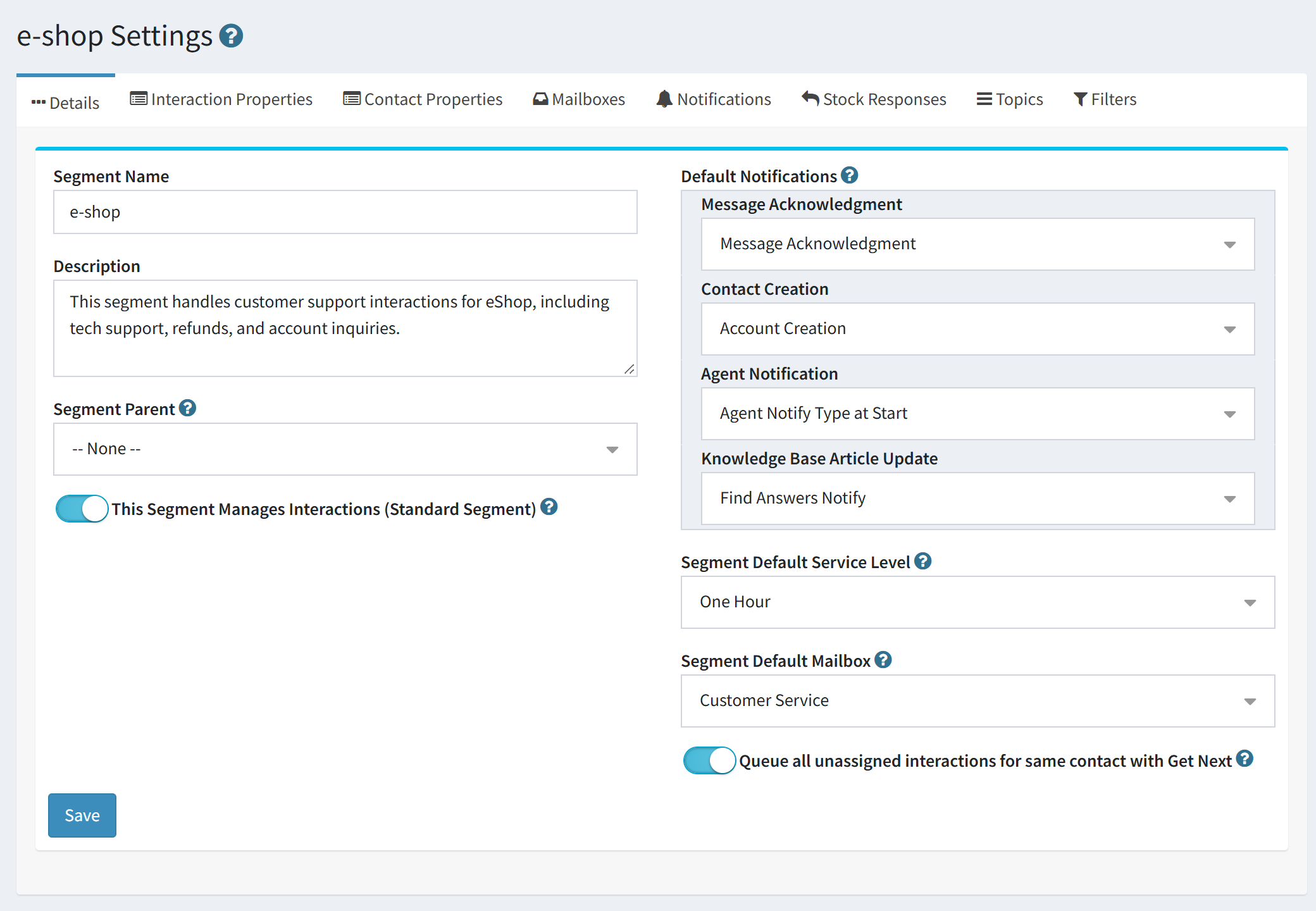
e-shop segment settings with tabs for properties, mailboxes, notifications, stock responses, topics, and filters, and the segment default notifications, service level, and mailbox.

Configure a service team

Each new team or brand gets its own segment in your existing iService tenant.

Create a segment for a new brand, and its administrators set up their own mailboxes, topics, and responses. The brand answers customers from its own email domain and publishes its own knowledge base. Nest segments under a parent to match how your organization is structured, and agents get access through their department.

Shared records with Segment Access Rights

Teams access messages and customer data through their checked segments.

iService grants agents access to checked segments for messages and contact data. The tenant keeps one shared customer record while each team works in its authorized segments. Segment rules control team access to customer records.

Documented administration setup

Administrators need documented procedures for configuring several teams in one tenant.

iService Developer Docs and the User Guide document segment, access, topic, and tenant setup procedures for multi-team administration. The procedures state that iService grants agents access only to checked segments for messages and contact information, so each team works within its authorized segments.

Read iService admin docs

Read technical docs for iService setup procedures, segment setup, and team operating controls.

Read Technical Docs

Chat with support