
Integration

Connect iService to 9,000+ apps

iService uses Zapier to connect the systems your operation already uses without requiring end users to write code.

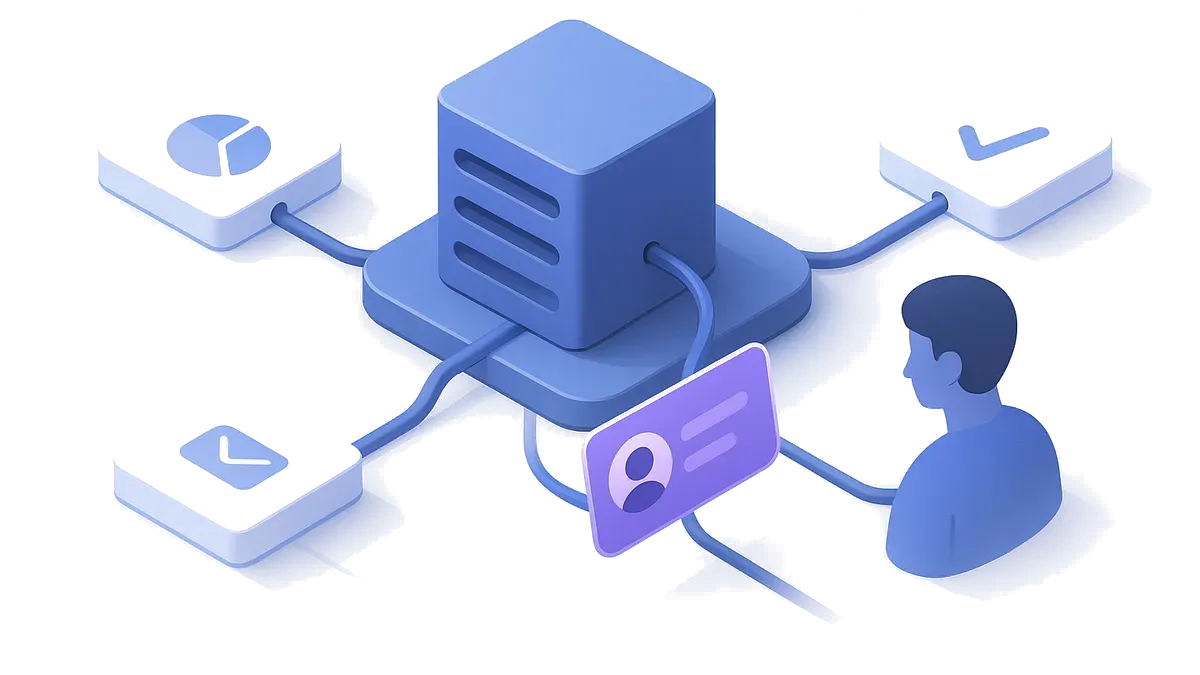
An automation hub connecting a service workflow to several external applications

Get started with iService on Zapier

Automation teams connect internal systems to iService when a packaged connector does not cover the workflow.

iService uses Zapier to turn service events and workflow submissions into actions in the other applications your team uses. A Zap can complete follow-up work without asking staff to enter the same information in each system.
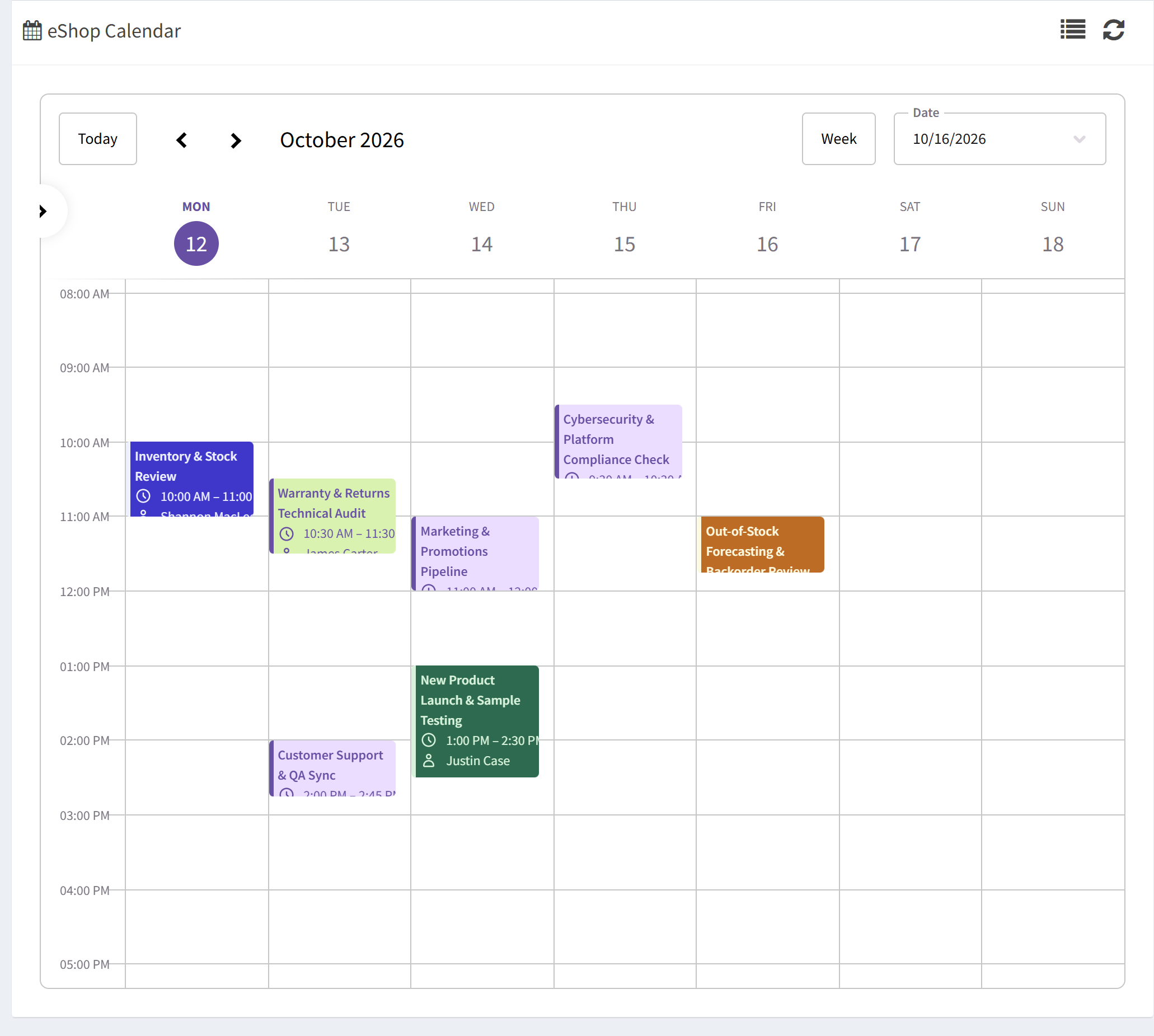
eShop weekly calendar with scheduled inventory, support, and product tasks.

Automate tickets for recurring tasks

Zapier triggers and actions move service work between iService and the other applications your operation uses.

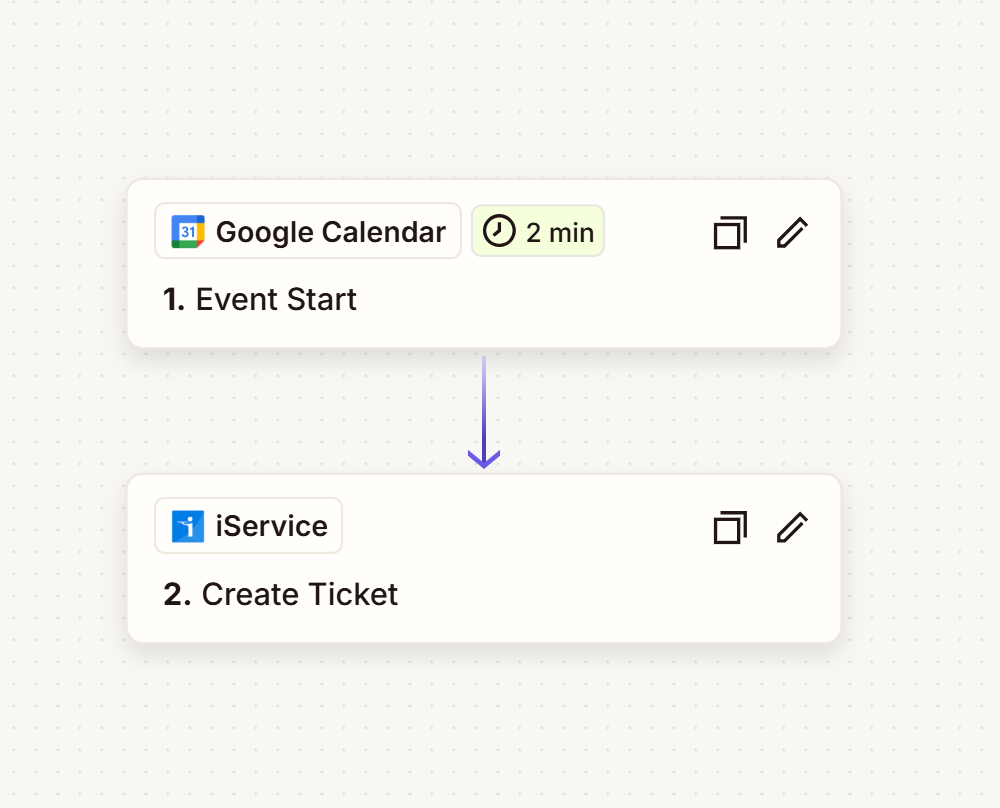
iService provides Zapier triggers and actions for interactions, contacts, notes, tickets, and workflow forms. Use them to send service work to the application that handles the next step. For scheduled work, an iService calendar event can trigger a Zap that automatically creates a ticket. You can also use Zapier to pass values from another application directly into iService, or from iService to another application, ensuring the process begins with the exact information it needs.

Zapier automation that starts with a Google Calendar event and creates an iService ticket.

Automate updates to agent skills and other configurations

A scheduled iService calendar event starts a Zap that applies predefined administrator settings.

An iService calendar event triggers a Zap when a planned schedule change is due. Zapier sends predefined values to an iService workflow form. iService applies the related administrator setting automatically. For weekend coverage, the Zap updates the skills assigned to agents at the scheduled time. Zapier starts from the iService calendar event and returns the required values to iService. The integration applies the scheduled configuration change without requiring anyone to enter the same values again.

iService Zapier Triggers and Actions

iService Zapier triggers and actions create and update service records from an external workflow.

iService has a New Interaction trigger that starts a Zap when a new interaction is created. Its Zapier actions create or update a contact, create a note, create a ticket, and find a contact by email or login name. Use these actions to pass a new service interaction into the next application or update iService records from a Zap.

Zapier and APIs for automation

Zapier handles no-code automations, while documented iService APIs handle tailored actions.

Zapier handles no-code automations that use the trigger and actions available in iService. When your process needs a tailored action, use iService documented APIs. You can build the action around your internal process while keeping service work connected to iService.

Read iService developer docs

Open iService in Zapier to create your first automation.

Get started with Zapier

Chat with support