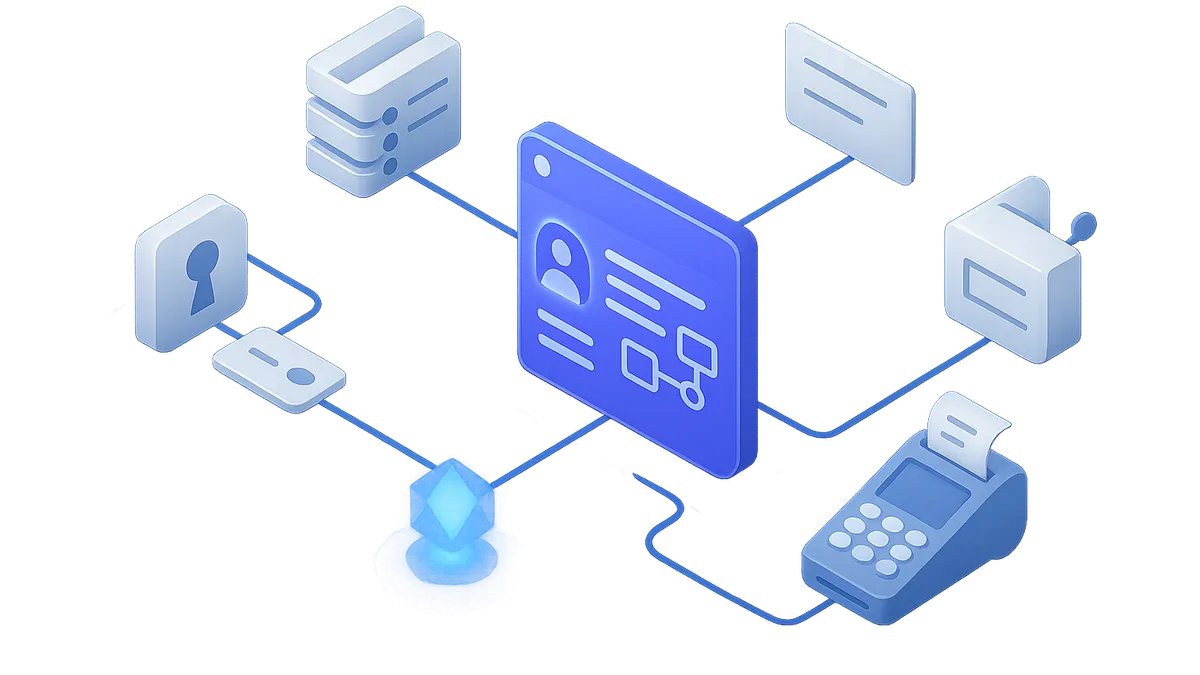
Connect iService to the systems your support team already uses.
Three ways to connect iService to your systems
Direct integrationsUse direct iService integrations to Salesforce, Microsoft, Google, Okta, OpenAI, and payment processors.
Batch Form SubmitProcess a CSV file through a Standard Form or Workflow Submit form to create contacts, update contact properties, send emails, add notes, create tickets, and perform any action programmed into the form. Run it from the iService web interface, or use the iService Windows utility for scheduled tasks.
ZapierConnect iService to more than 10,000 applications with Zapier triggers, actions, and searches. A Google Calendar event, for example, can create an iService ticket.
Integration directory
Use APIs, web services, forms, and webhooks to connect other systems.
Use Zapier to create and display iService tickets from Google Calendar events, or connect other systems through APIs, web services, forms, and webhooks.